
# Profile
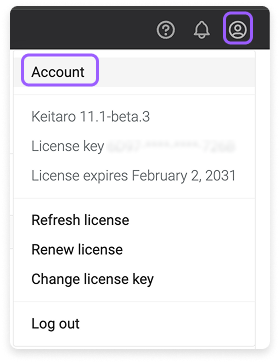
To open profile settings, click the profile icon at the top right → Account.
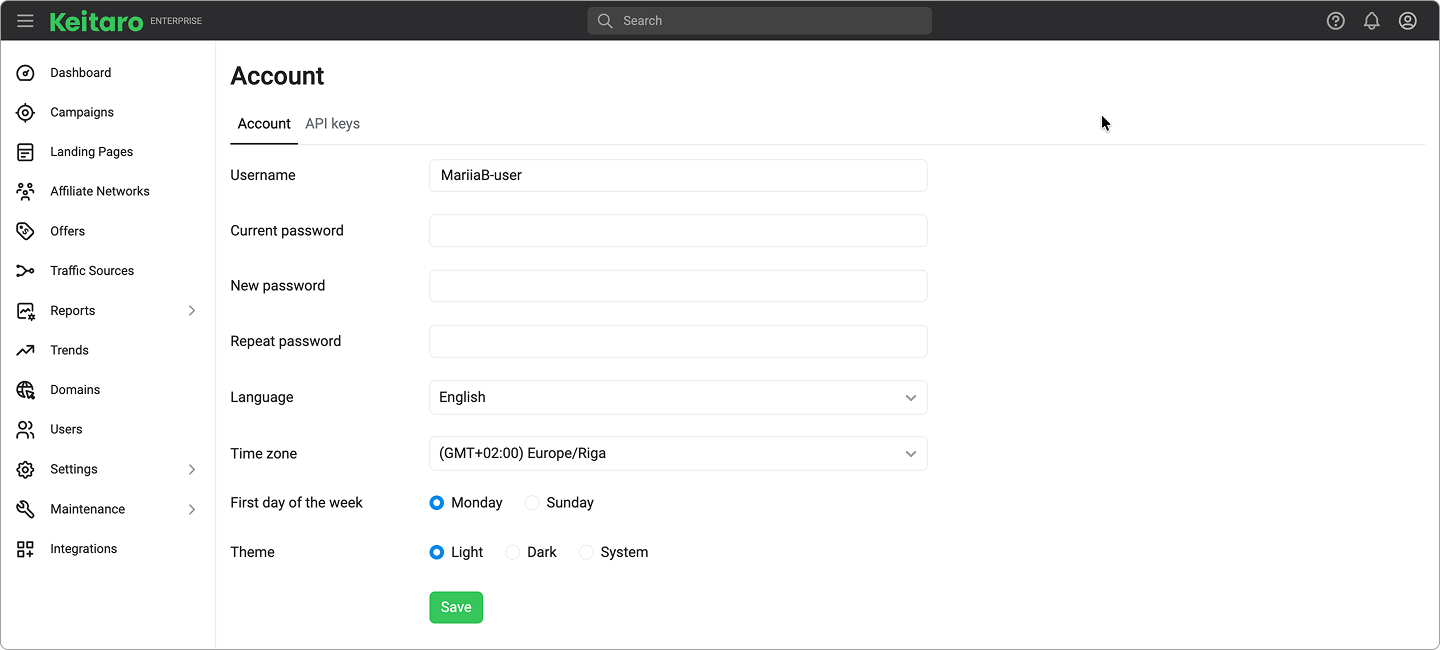
Available settings:
- Create a new authorization password.
- Change the interface language.
- Changing the time zone. The time zone will affect the operation of reports.
- First day of the week. Changing this parameter will affect the operation of reports.
- Theme. This function changes the interface theme.
# Admin API keys
The tab is used to manage Admin API keys.
You can create a new key or delete a previously created one. The Documentation button will redirect you to the Admin API documentation.